
Help
Workspaces
Who the work belongs to, and whose credits it spends.
Everything belongs to a workspace — projects, media, generations and credits. Switching changes what every other screen shows you.
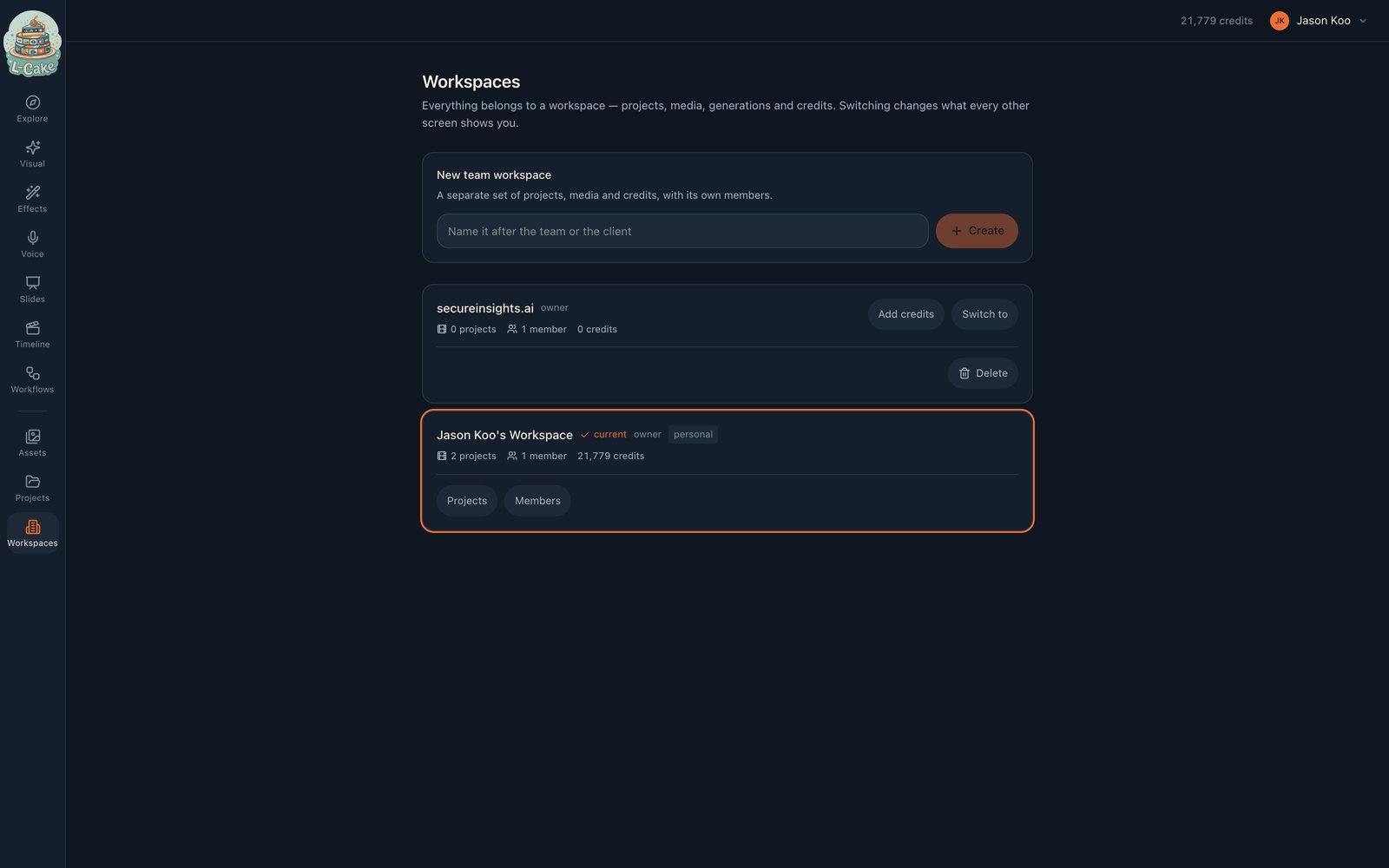
- Personal
- Created at signup, one per person, holds your own work. Cannot be deleted — nothing would re-create it.
- Team
- Created by you, or synced from an identity provider. Has members, and can be deleted by an owner.
Roles
- owner
- Everything, including deleting the workspace and handing it over
- admin
- Manage members and content
- billing
- See and manage credits
- member
- Generate and edit
- viewer
- Look, not touch
Collaborators spend your credits
A teammate does not need credits of their own
Generating inside your workspace spends that workspace’s balance, whoever pressed the button. That is the point of a shared workspace — a team producing work against one budget, rather than five people each topping up separately.
When inviting someone you can set a monthly credit cap. It is enforced at the moment of generation, in the same locked transaction as the balance check, so two simultaneous generations cannot both slip past a limit only one should pass. Someone over their cap is refused with a message that says so, not a generic failure.
Inviting people
- 1
Switch into the workspace
Invitations belong to the workspace you are currently in.
- 2
Open Members
On the current workspace card.
- 3
Send the invitation
Choose a role, and optionally a monthly cap. They sign in and land in the workspace.
Moving credits
Add credits transfers from the workspace you are in
Deliberately one-directional. A transfer needs a source, and making you pick both ends invites moving credits out of somewhere you did not mean to. Switch first, then fund — which also puts the balance you are spending from on screen while you decide.
Deleting and leaving
- You own it
- Delete — soft, so nothing is orphaned. Not offered on your last workspace
- You do not own it
- Leave — removes your membership outright
- Your personal workspace
- Neither
You cannot leave as the only owner: that would strand the workspace with its projects and credits intact and nobody able to touch them. Make someone else an owner first, or delete it.
When something goes wrong
My work has disappeared
You are in a different workspace. Check the account menu — nothing is lost, it is scoped.
Invitations never arrive
Mail is not configured. The invitation exists; it just was not delivered.
I can neither delete nor leave a workspace
It has no owner — a workspace synced from an identity provider before that was fixed. An administrator can promote its earliest member.