
Help
Slides
A topic in, an illustrated deck out.
Describe the deck — the topic, the audience, and anything it must include — and get an illustrated deck back. It happens in two stages, and the order matters.
- 1
The outline is written first
A language model plans every slide: title, bullets, and a description of the picture that should carry it. That arrives in seconds and appears immediately, so you can judge it before any credits go on images.
- 2
Then the pictures, one slide at a time
They fill in behind the outline as they land. Generating all of them at once would finish sooner and fail all together on a rate limit; sequentially, a failure costs one slide and the rest still arrive.
Why short-form video wins attention, for a marketing team
Naming the audience is what turns a topic into a deck. “short form video” gets you a Wikipedia summary.
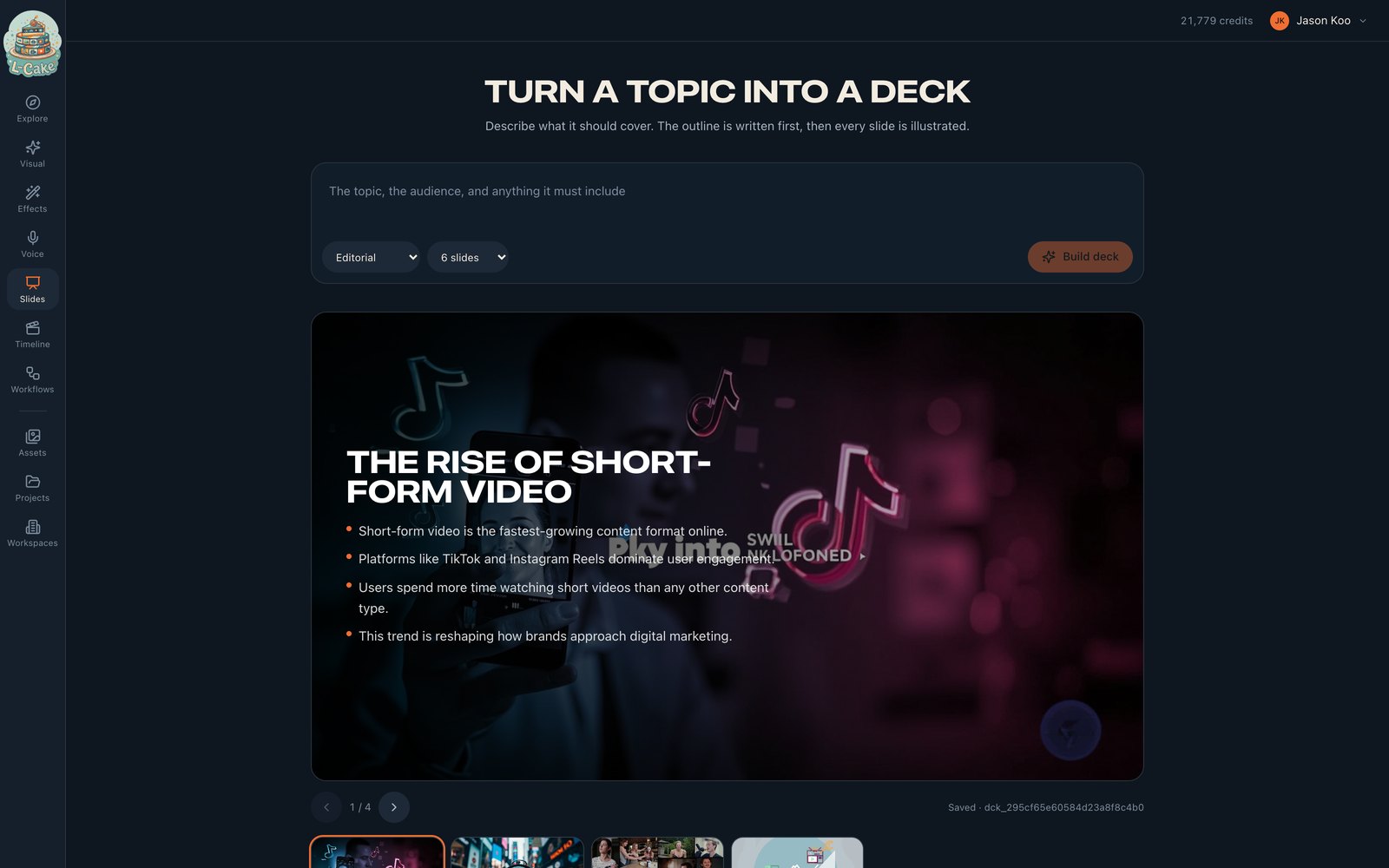
Saved decks
The plan is stored before any image is made, so a run that dies halfway leaves a deck with its words and some of its pictures rather than nothing.
Saved decks are listed under the composer with a cover and an n/m illustrated count. Opening one restores it and resumes it — slides that already have art are skipped, so reopening a half-finished deck costs only the images it is actually missing.
Styles
Editorial · Watercolour · Claymation · Ink wash · Paper cut · Pixel art · Blueprint · Cinematic. The style applies to every image, so a deck stays coherent.
Why the text sits on a panel over the art
Generated art has no safe area — the next image may be bright exactly where the last one was dark. A deck whose titles are legible on four slides out of six is worse than one that never risks it, so the layout draws the type on a gradient panel instead of over bare picture.
A text call, not billed as a generation
16:9 at 1080p
Limits
- No export yet
- Decks live in the app. The images are assets and can be downloaded individually or assembled on the timeline.
- The outline cannot be edited in place
- Rebuild with a better brief.
- A single slide cannot be re-illustrated
- Reopening only fills in slides that have no art at all.
When something goes wrong
Could not get a usable plan
The model returned something that failed validation. Retry — it is not deterministic.
A slide could not be illustrated
One image failed. The rest continue, and the deck is usable with a gap.
No image model is enabled
No active image model. An administrator needs to enable one.