
Help
Visual
The composer. Image, Edit, Video and Animate.
Everything new is made here. Four modes on one surface, so which capabilities exist does not depend on which tab you happened to open.
- Image
- A prompt in, a still out
- Edit
- A picture plus a description of the change
- Video
- A prompt in, a clip out
- Animate
- A picture plus a prompt — the clip starts from that picture
Making a picture
- 1
Describe the scene
Subject, light, framing. Models respond to specifics far better than to adjectives.
- 2
Set the shape and size
Aspect ratio is clamped to what the model supports. Resolution multiplies the price: 480p ×0.5, 720p ×1, 1080p ×2, 2k ×3.5, 4k ×6.
- 3
Press Generate
The button shows the price before you press it, never after.
a slice of layered cake on a film reel, studio lighting, editorial food photography, shallow depth of field
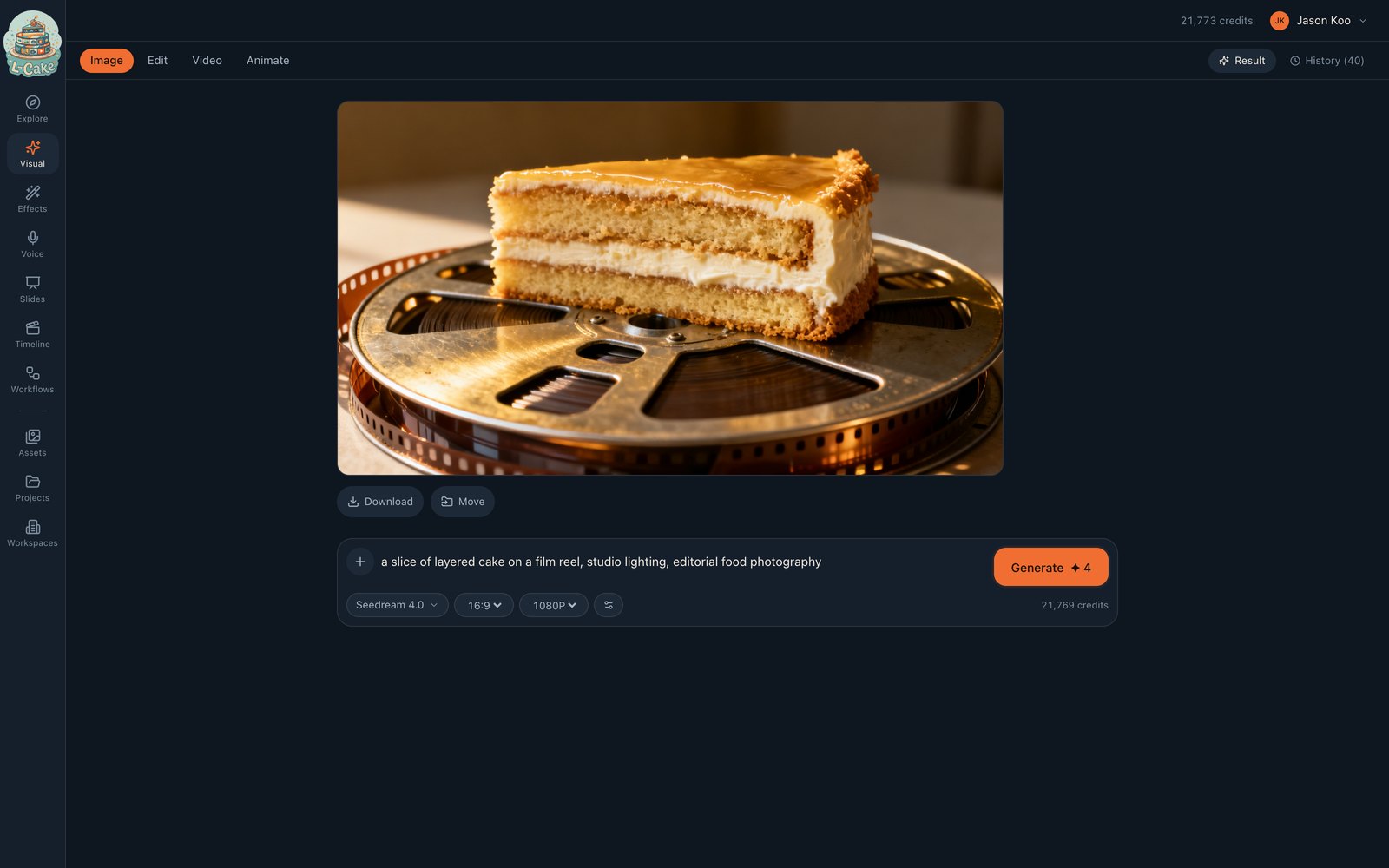
Generated with Seedream 4.0 at 1080p — 4 credits, about fifteen seconds.
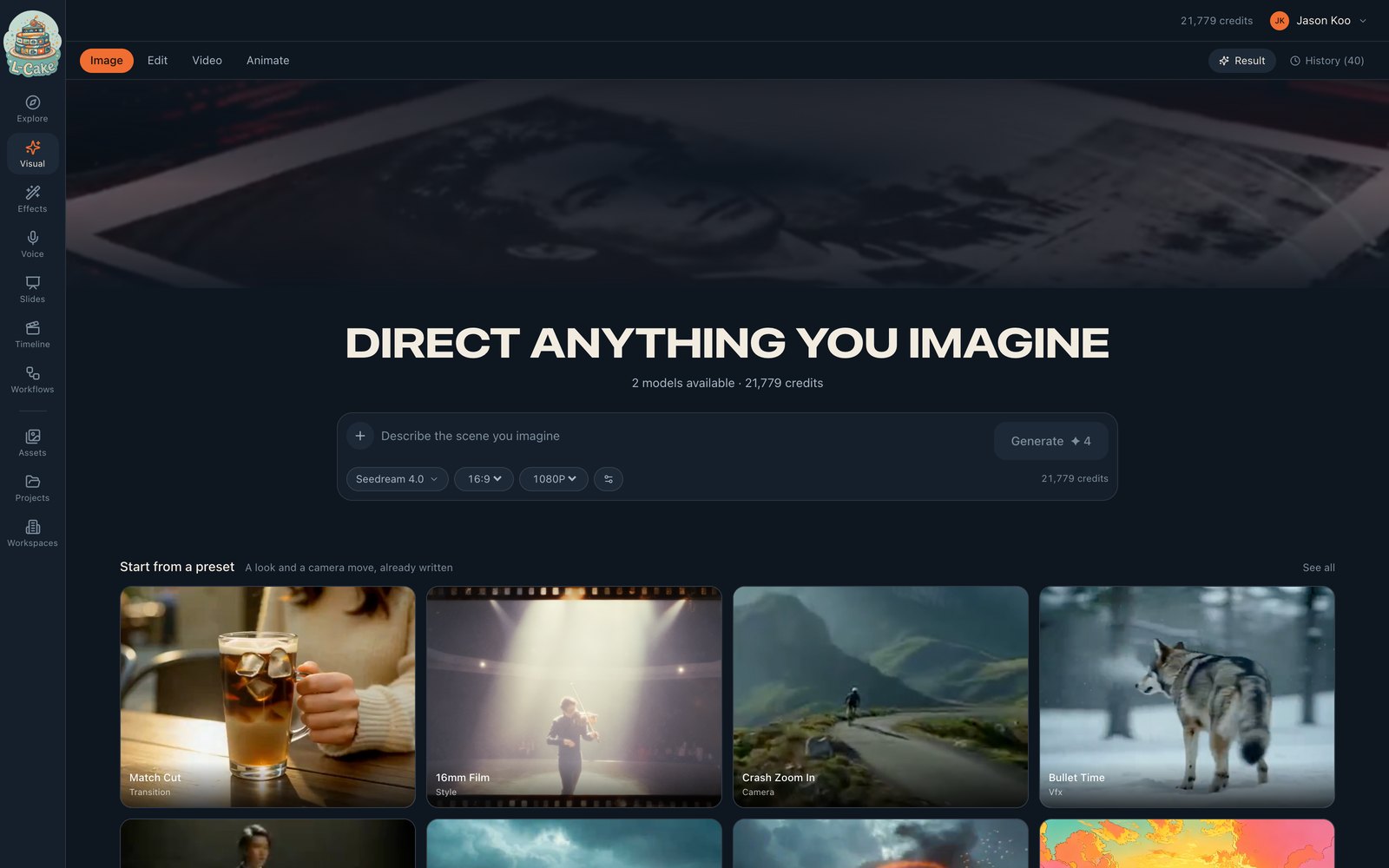
Say what you do not want in Avoid, not in the prompt
Writing “no blur” into a prompt frequently produces blur — you named it. The Avoid field exists for that: blurry, distorted, extra fingers.
Editing a picture
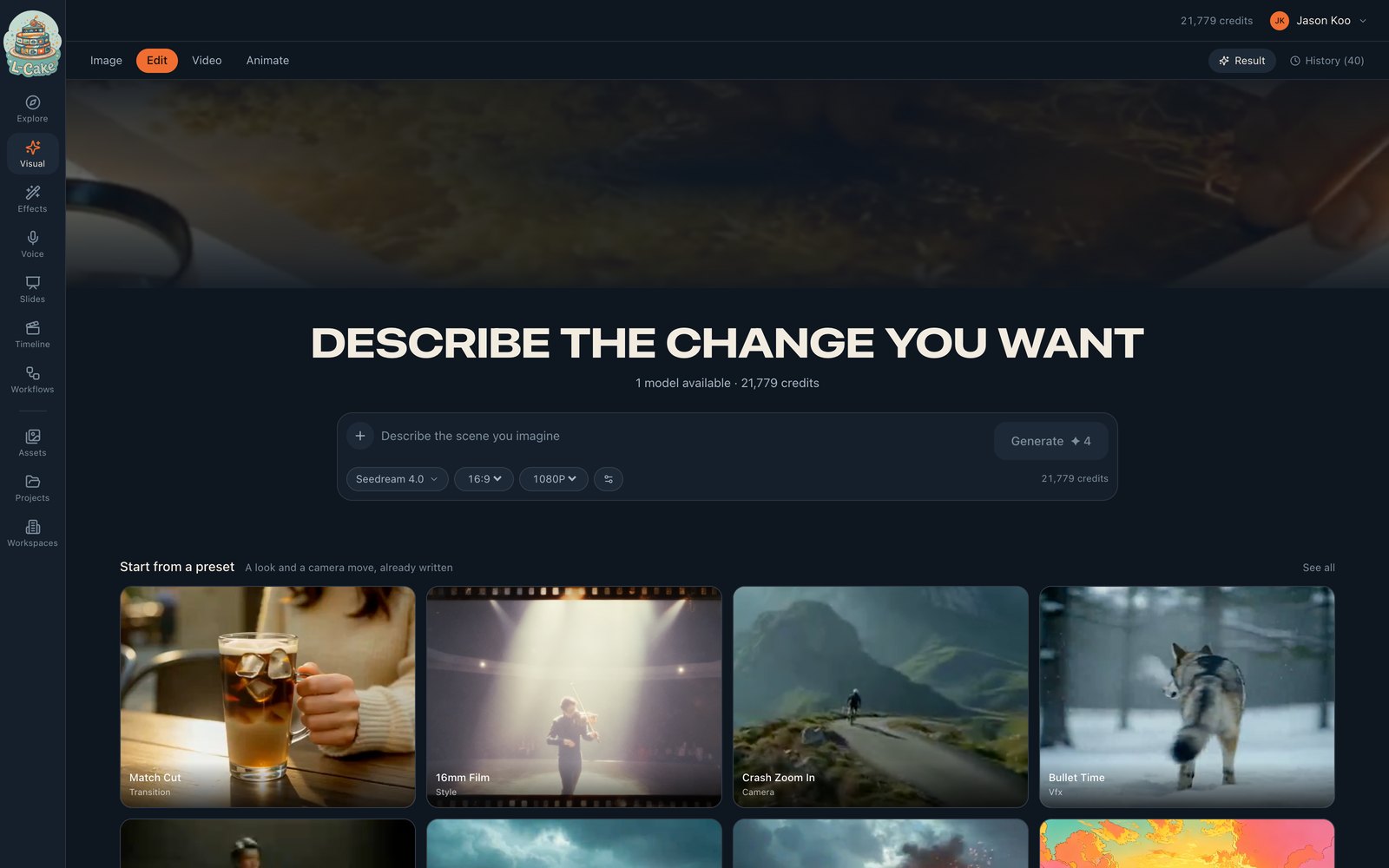
Bring in a picture and describe the change. Your source has to be big enough for the model; if it is not, you are told the minimum before anything is charged. L-Cake will not quietly upscale a small source and hand you a soft result.
Video and Animate
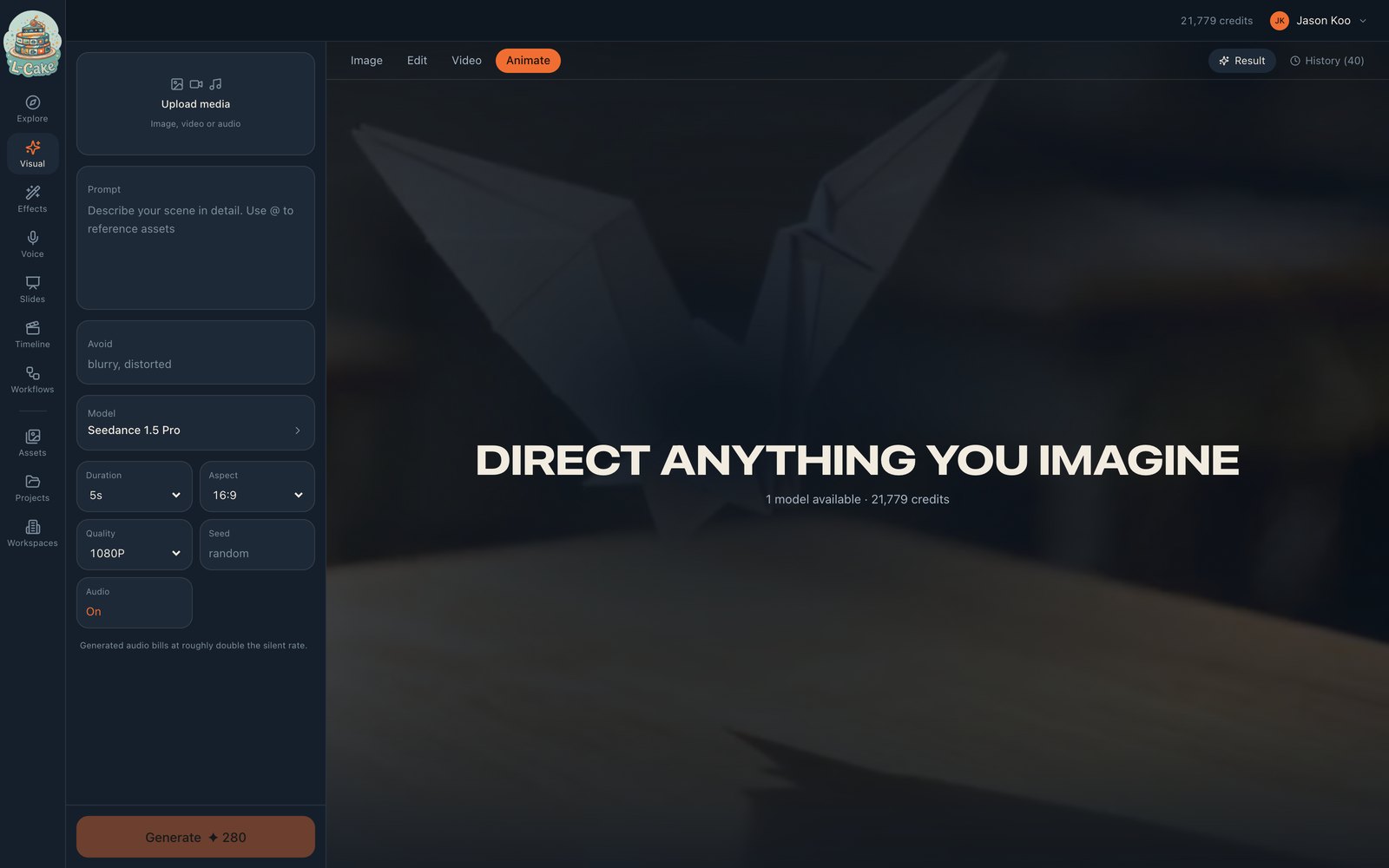
These use a settings rail instead of a single bar, because video carries more decisions than a prompt box can hold.
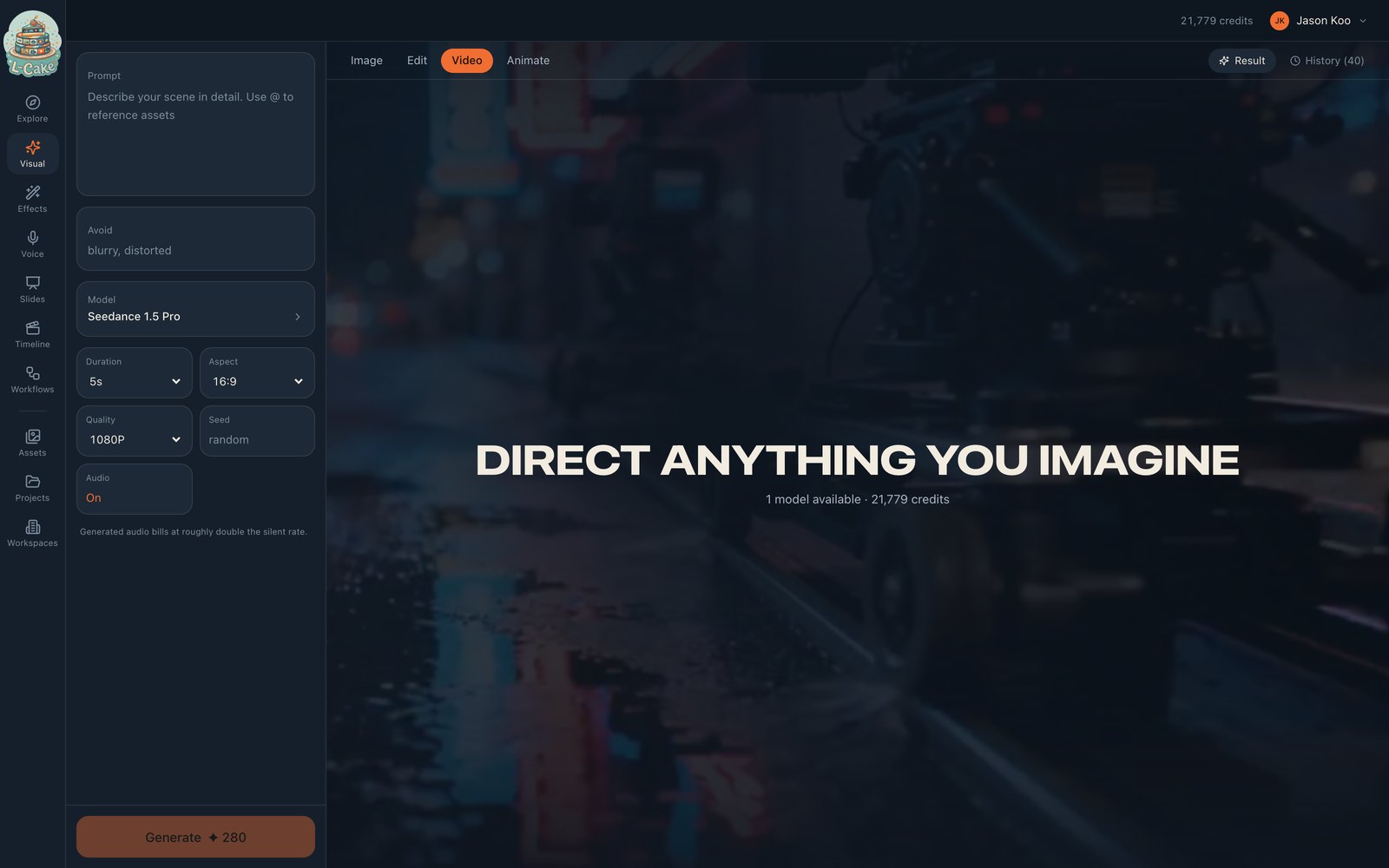
- Duration
- Priced per second — the main driver of cost
- Audio
- Native generated sound. Bills at roughly double the silent rate
- Seed
- Fix it to reproduce a result; leave it random to explore
What a clip actually costs
Five seconds, 1080p, with audio: 14 × 5 × 2 × 2 = 280 credits. Turning audio off halves it. Dropping to 720p halves it again.
Animate takes a start frame as well. Prompt the motion, not the scene — the picture already establishes the scene, so “slow push in, leaves drifting” beats re-describing what is already visible.
While it runs
Progress is a stage and a percentage rather than a spinner, because waiting is where most of the time goes. Closing the tab is safe — the job is running on the server and the result will be in Assets.
Result shows the current job; History shows the last 40 for this mode, filtered by mode so a failure from Animate does not appear under Video quoting a source image that tab never had.
What it costs
When something goes wrong
Source image is too small
Bring a larger original. Nothing was charged — this check runs before credits are held.
No models are enabled for this mode
The provider has no API key, or every model for this mode is disabled by an administrator.
Not enough credits
Nothing was held. Top up, or switch to a workspace with a balance.
Network error
The submission never landed. Safe to retry — the idempotency key prevents a double charge.
The job says blocked
Content moderation refused it. The hold is refunded — a refusal is not a delivery.