
Help
Voice
Speech from a script, or in a voice you supply.
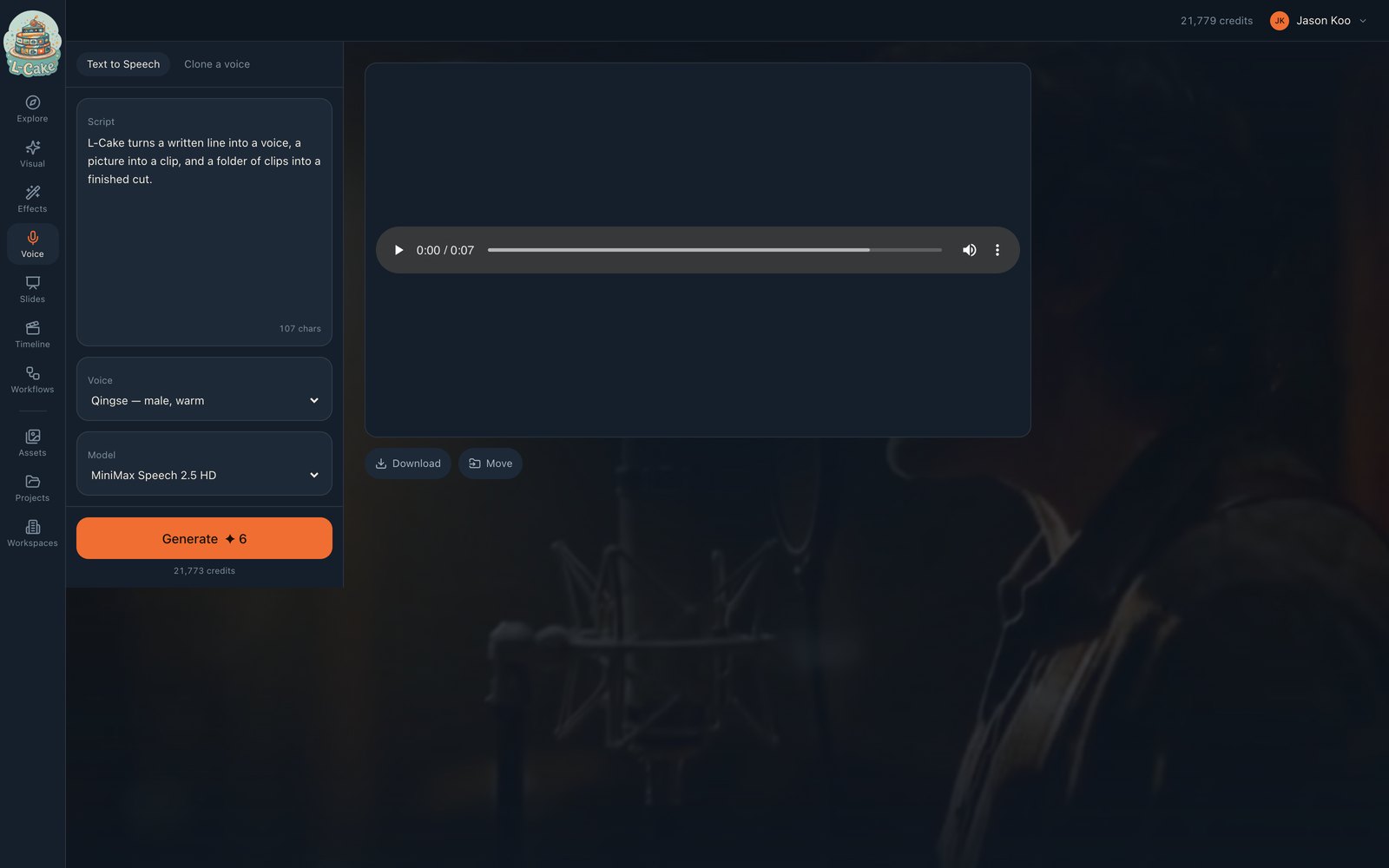
Two tabs: Text to Speech and Clone a voice. This is the cheapest thing to generate here, which makes it the best way to check the system works at all.
- 1
Write exactly what the voice should say
This is a script, not a prompt. It is read out verbatim, including “etc.” and “2026”.
- 2
Choose a voice
Cloned voices appear in their own group in the picker.
- 3
Generate
The clip plays inline, downloads, and lands in Assets.
L-Cake turns a written line into a voice, a picture into a clip, and a folder of clips into a finished cut.
107 characters — about 5 credits.
Getting a good read
- Punctuate for breath
- Full stops and commas are where the model pauses. A hundred-word sentence is read as one, and sounds it.
- Spell out anything ambiguous
- “L dash Cake” if the hyphen is being swallowed.
- Split long scripts
- Several clips assembled on the timeline give you pacing control that one long take does not.
Priced per character
0.05 credits each. A 200-character paragraph is 10 credits. The estimate on the button tracks what you type.
Cloning a voice
Upload a clean recording of one person, name it, and it appears under Cloned in the voice picker. Quality follows the sample: one speaker, no music, no room echo, no overlapping talk. Thirty clean seconds beats five noisy minutes.
Before you clone anyone
Cloning a voice makes something that can say anything in it. Use recordings you have permission to use, and do not impersonate real people.
The obvious pipeline
- 1 · Voice
- Record the narration
- 2 · Visual
- Generate the clips it describes
- 3 · Timeline
- Assemble, drop the audio on A1, export
When something goes wrong
No models are enabled for this mode
The MiniMax key is missing, or the speech model is disabled.
Silence in the output
Usually an empty or whitespace-only script.
A cloned voice is not in the picker
Cloning is a separate job. Refresh once it has finished.