
A generative media studio
Direct anything you imagine
Images, video and speech from a single studio. Describe what you want, or hand it something you already have.
Images and video
Describe it, or change what you already have
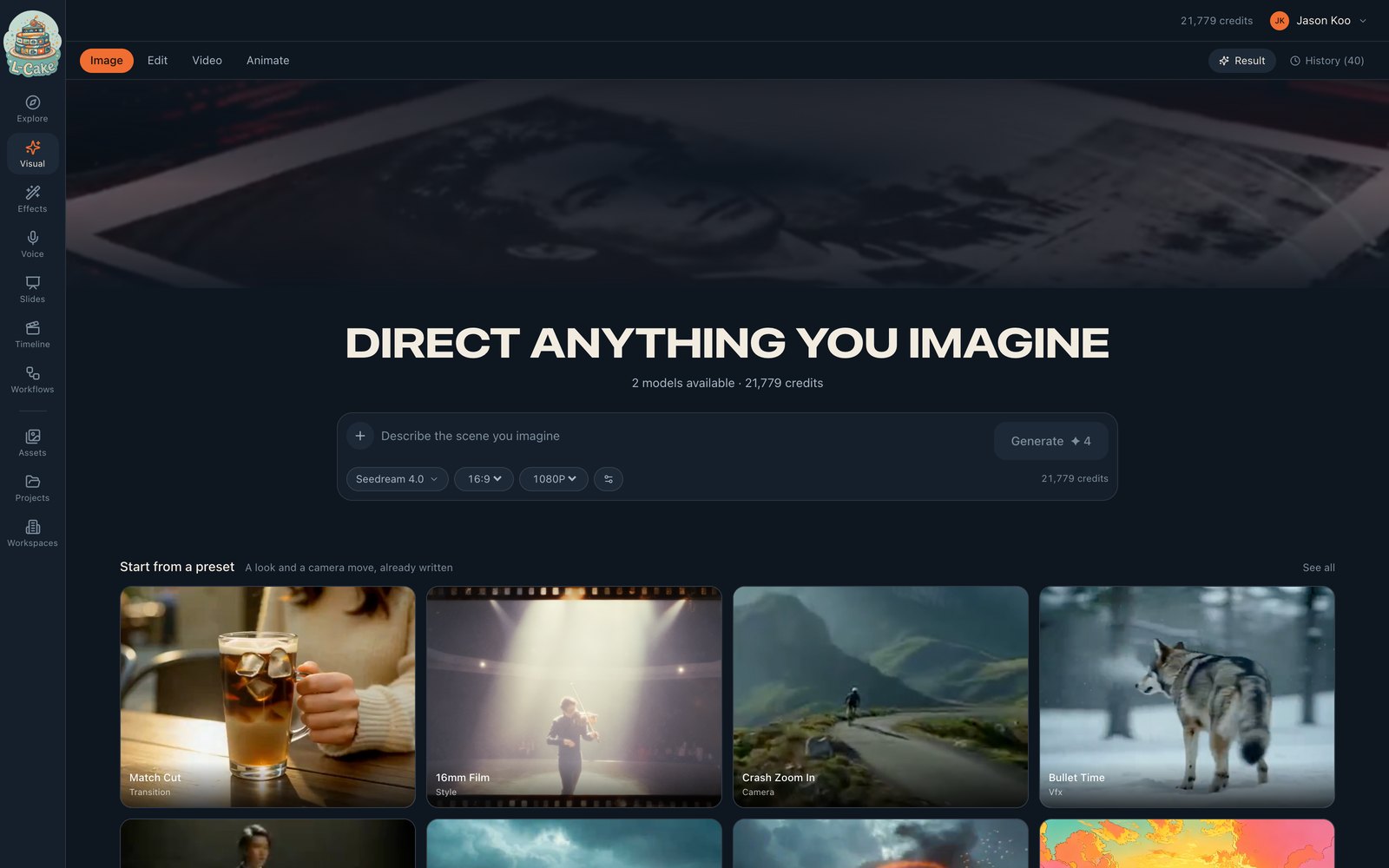
One composer, four things it can make. Write a picture into existence, hand it a photograph and describe the change you want, write a clip from nothing, or take a still and put it into motion. The mode is a choice inside one surface rather than four separate screens that each forgot what the others could do — so the model you picked, the shape you set and the prompt you wrote all survive when you change your mind about what you are making.
Presets are looks somebody already wrote: a film stock, a camera move, a treatment. They attach as pills rather than filling your prompt box, which means you keep your own words and can stack several — a sticker of a wolf, shot on 16mm, in one generation.
- Presets stack — a sticker of a wolf, shot on 16mm, in one prompt
- The price is on the button before you press it, never after
- Close the tab; it keeps running and the result is waiting
Motion
Five seconds that took a sentence
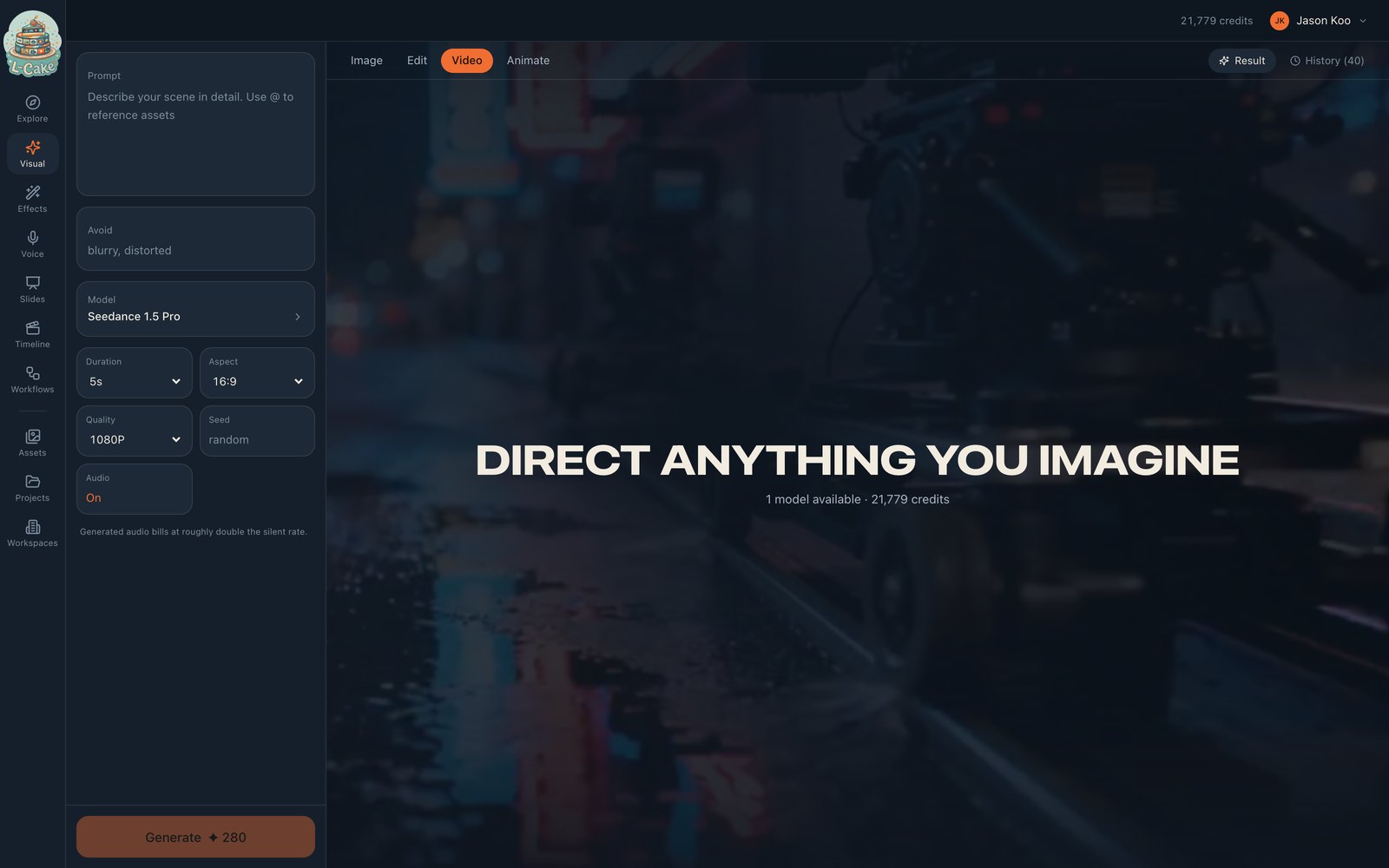
Video carries more decisions than a prompt box can hold, so it gets a panel where duration, aspect, quality, seed and sound are all visible at once instead of hidden behind a settings icon you have to remember to open.
Waiting is where most of the time in this kind of work goes, so progress is a named stage and a real percentage rather than a spinner that tells you nothing. The job runs on the server, not in your tab: close the laptop, come back, and the clip is in your library. Nothing is lost and nothing has to be babysat.
- Native audio, generated with the picture
- Fix a seed to reproduce a result, or leave it to explore
- Every frame on this page came out of it
Effects
Things done to a picture you already own
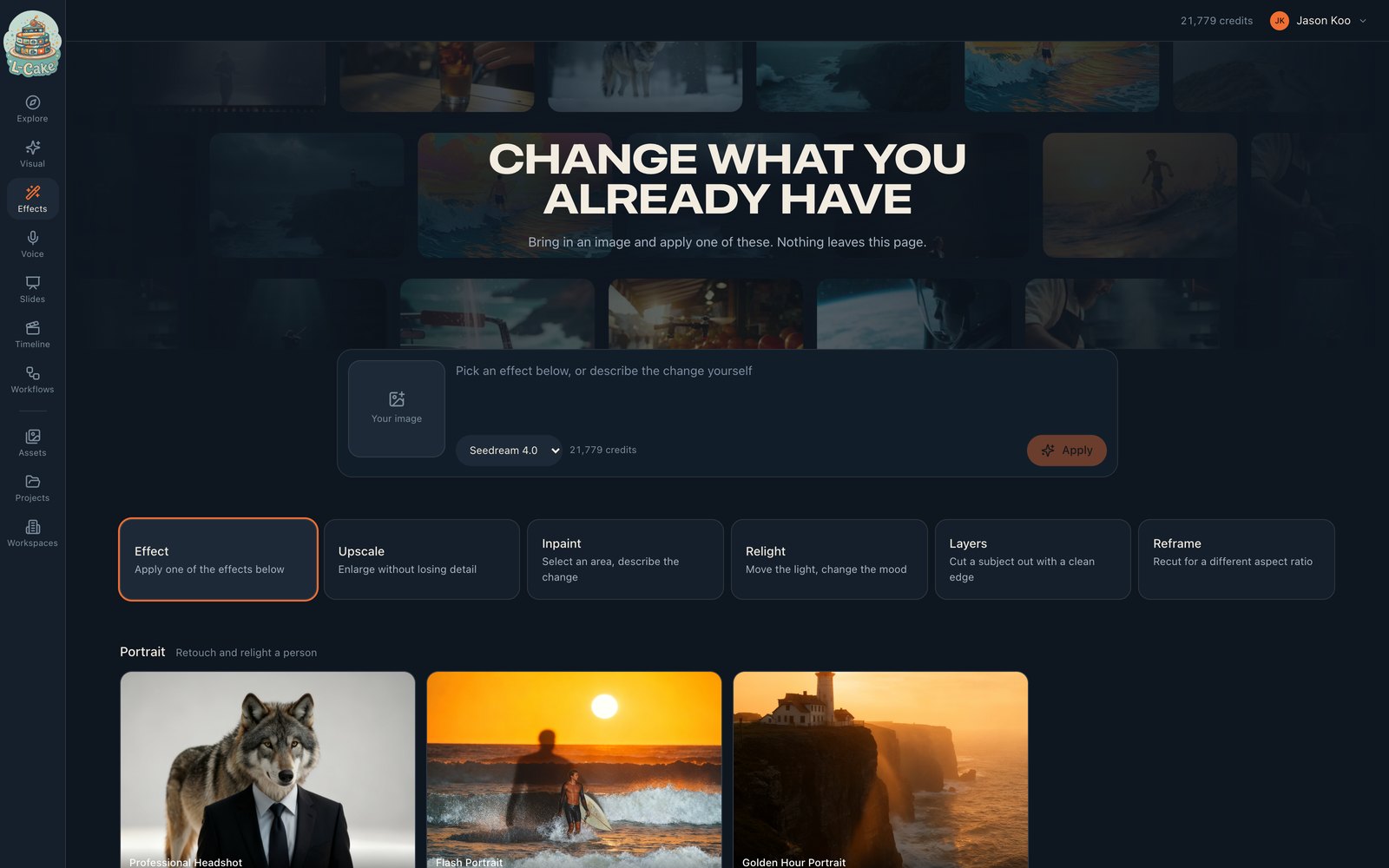
Bring in a picture and apply a treatment. Retouch and relight a portrait, repair and colourise a photograph that has faded, stage a product on a clean surface, or turn a snapshot into a sticker, a figurine or a comic panel.
Four of them — upscaling, inpainting, relighting and cutting a subject out — run on hardware we own rather than a hosted API. That makes them cheaper per call and means the image never leaves the network, which matters when the picture is a customer's face or a product that has not launched. If that machine is ever down, everything hosted carries on regardless.
- Upscale, inpaint, relight and cut-out run on our own hardware
- Cheaper per call, and the image never leaves the network
- Combine as many treatments as you like
Voice
A script, read out loud
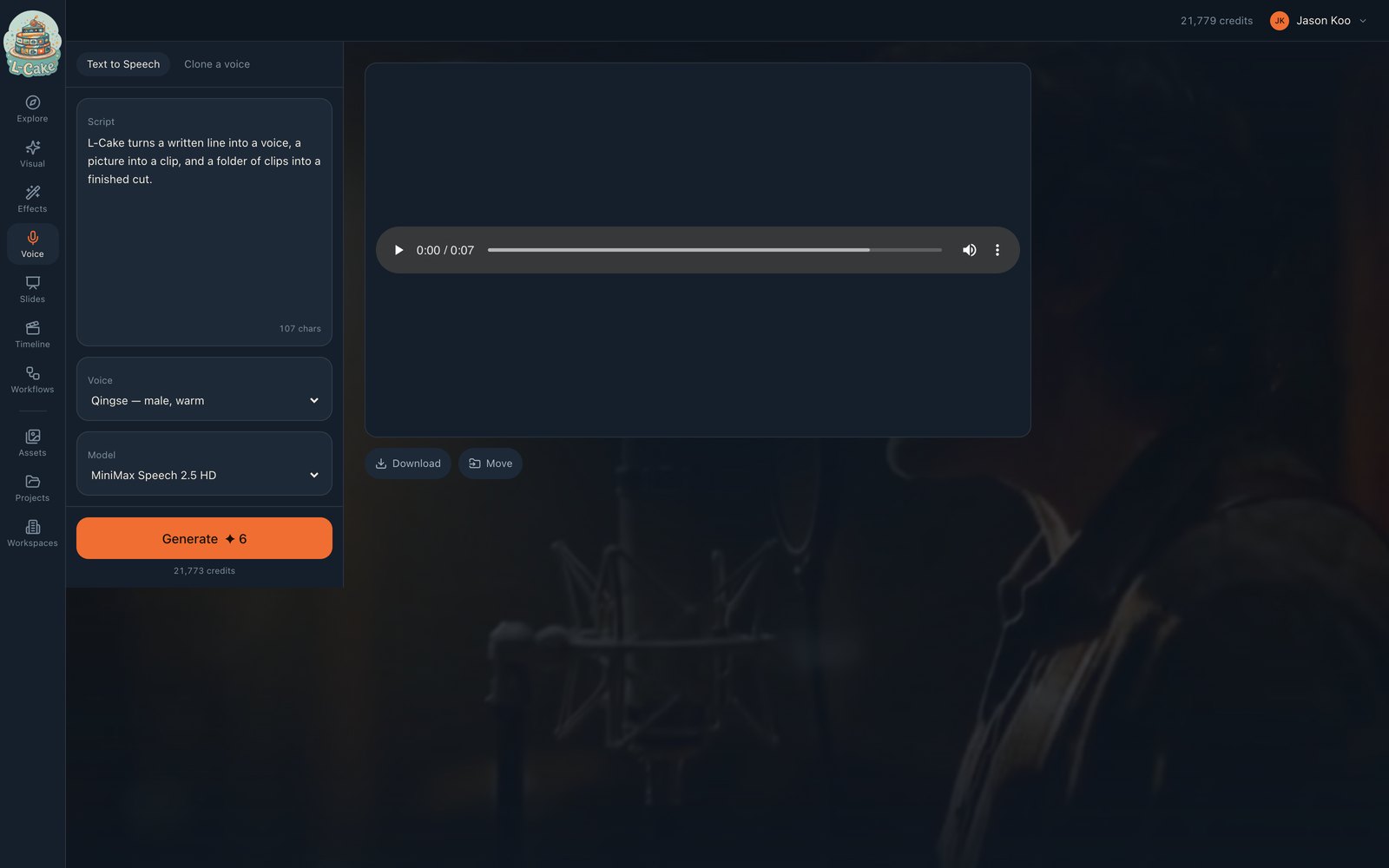
Write what should be said and choose who says it. A library of stock voices, or one cloned from a clean recording of a real person — thirty good seconds beats five noisy minutes.
It is priced per character, which makes it by far the cheapest thing here: a paragraph of narration costs pennies. That also makes it the sensible way to check the whole pipeline works before spending on video. The clip lands in the same library as everything else, so it drops straight onto an audio track under a cut you have already assembled.
- Priced per character — a paragraph costs pennies
- Cloned voices sit alongside the stock ones
- Lands in your library, ready for the timeline
Decks
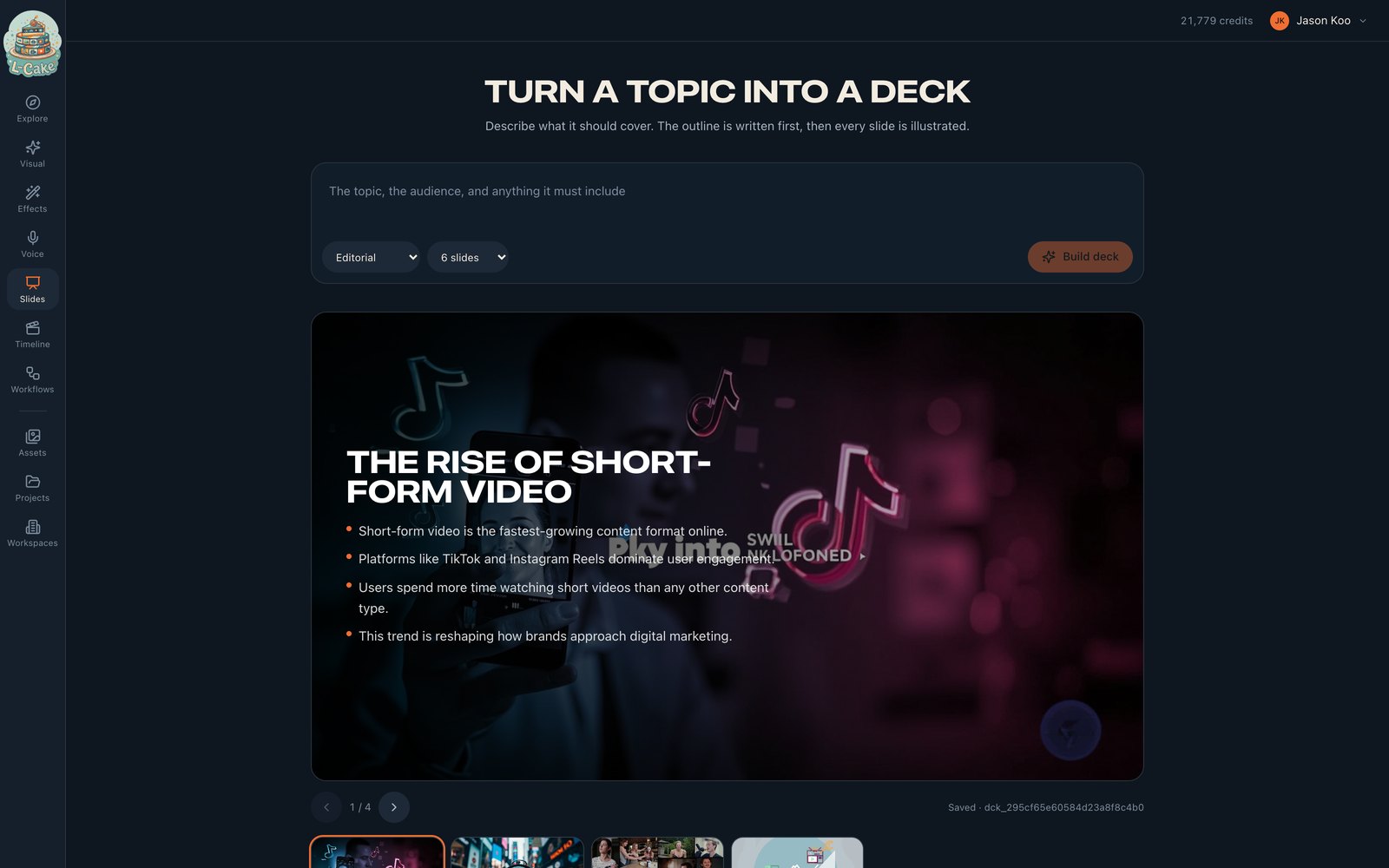
A topic in, an illustrated deck out
Say what the deck should cover and who it is for. A language model plans it first — titles, bullets, and a description of the picture that should carry each slide — and that outline appears within seconds, before a single image has been paid for. If the thinking is wrong you find out immediately rather than after the artwork.
Then it illustrates, one slide at a time, in whichever of eight styles you chose. The plan is saved before any image is made, so a run that dies halfway keeps its words and picks up exactly where it stopped instead of starting again.
- Words first, pictures second: decks that read as written, not assembled
- A run that dies halfway keeps its words and resumes
- Eight visual styles, applied consistently across the deck
Timeline
Cut it together and export a file
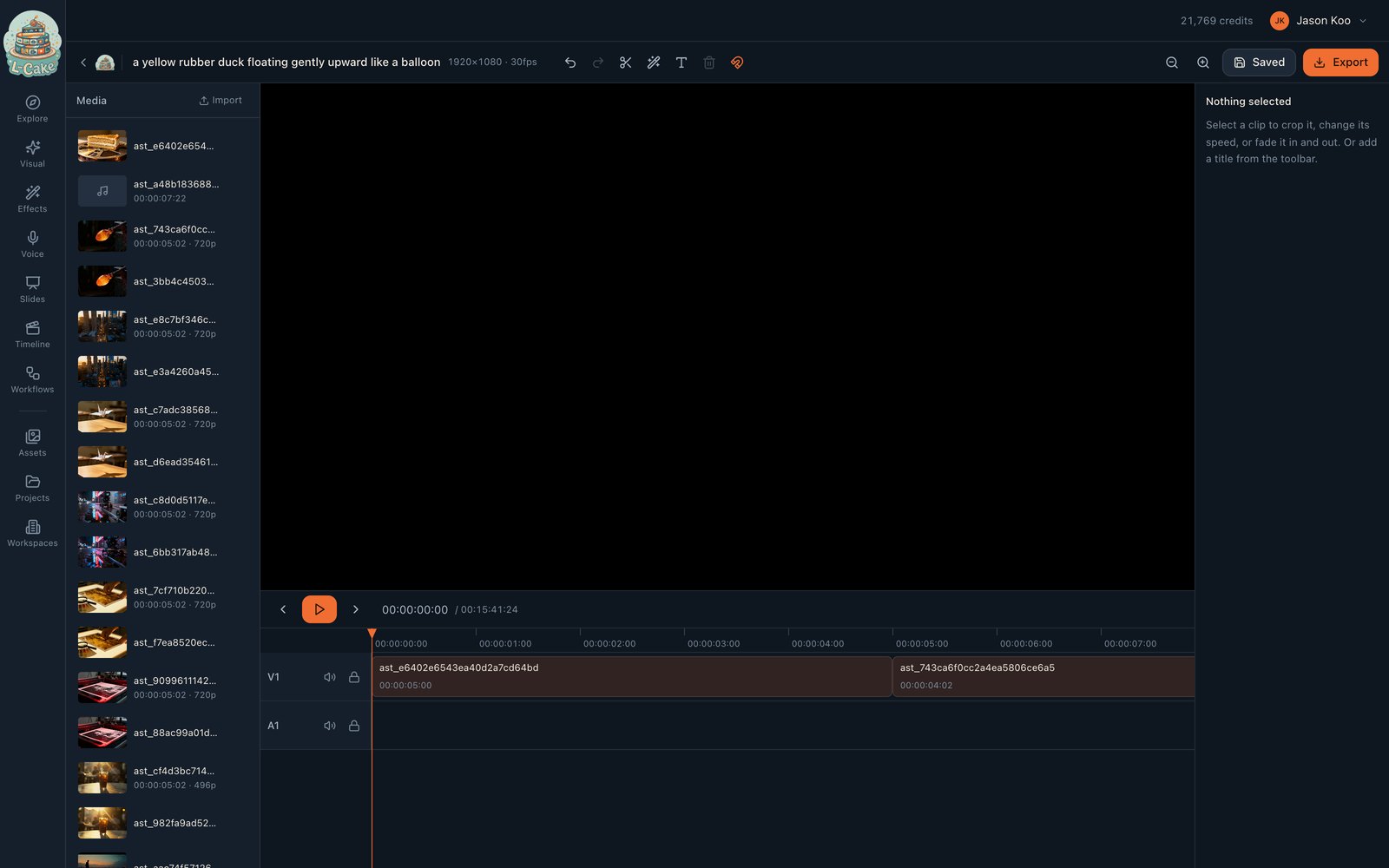
Everything you generate — clips, stills, narration — lands in one library and drops straight onto a timeline. Razor at the playhead, ripple a gap closed, add a title, dissolve between two shots, and export a real file.
All timing is in whole frames rather than floating-point seconds, which is the difference between audio that sits under the picture and audio that has slid half a frame by the end of a long cut. One button assembles everything you have with dissolves between, which for a folder of generated clips is usually ninety per cent of the edit. Editing and exporting cost nothing: you already paid for the footage.
- Assemble everything with dissolves in one click
- Frame-accurate: no floating-point drift
- Editing and exporting cost nothing — you already paid for the clips
Gallery
Made with L-Cake
Not a mood board and not stock footage. Every frame here — and every frame drifting behind this page — came out of the product. Click any of it to see it full size.
The gallery
See everything it has made
Hundreds of clips and stills, all of them generated here. Open any of them full size and decide for yourself whether it is good enough.
Open the gallery