Help
Explore
Where you land, and where to start when you do not know what you want yet.
Signing in lands you here rather than on an empty prompt box. A blank composer is the right screen once you know what you want and the wrong one before that.
What is on it
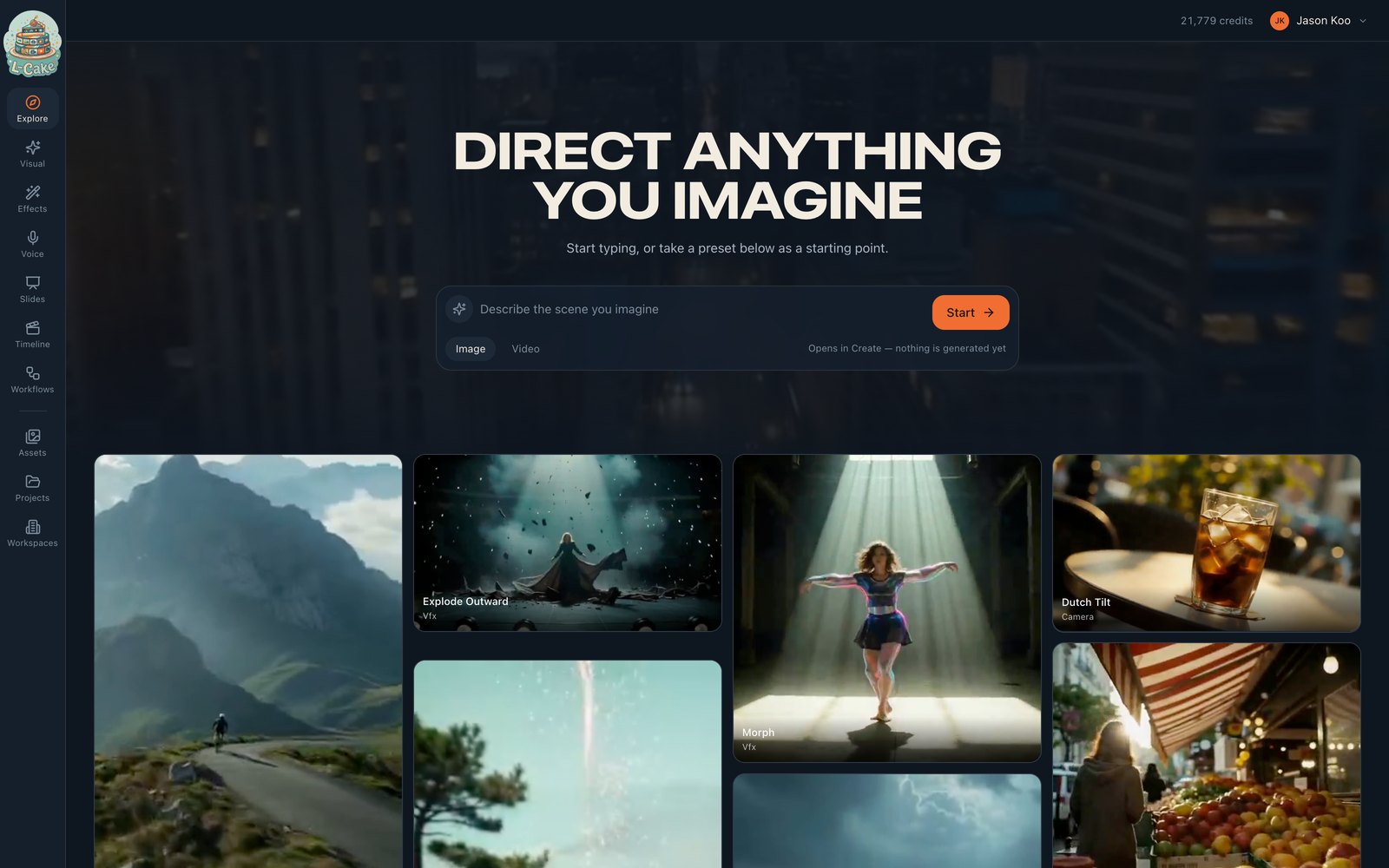
A prompt launcher under the heading. Type an idea and it carries the prompt into Visual, filled in but deliberately not submitted — a link that generates on open would spend the credits of whoever opened it.
A wall of presets. Clips play on hover and while on screen, and pause otherwise: a grid of videos all decoding at once spins a laptop’s fans and eats a phone’s battery for content that has already scrolled past.
Presets
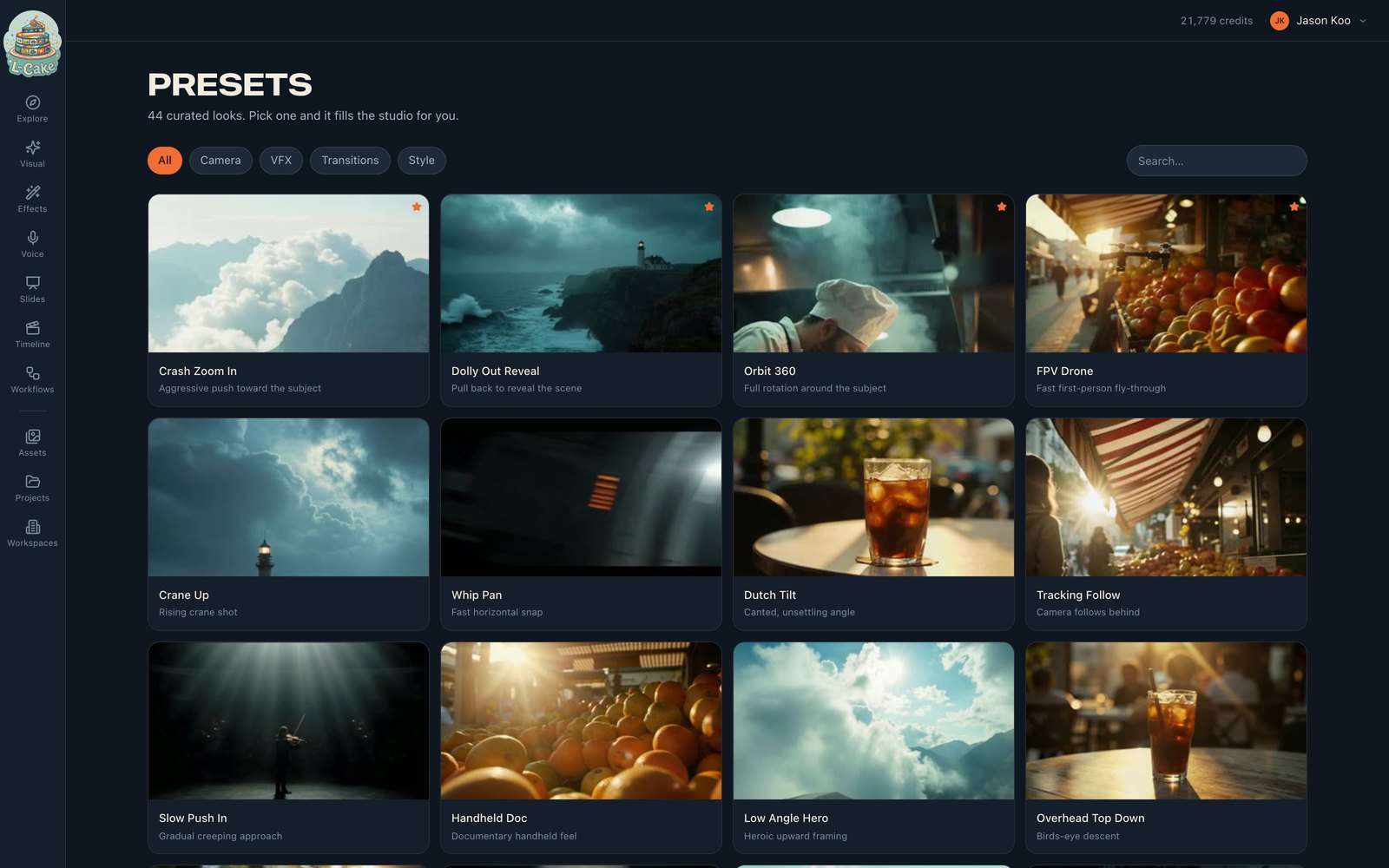
A preset is a prompt someone already wrote, plus the mode it belongs in.
- Camera
- How it moves — dolly out, crash zoom, bullet time
- Style
- How it looks — 16mm film, anime, ink wash
- Vfx
- What happens — disintegrate, light trails
- Transition
- How two shots join — match cut, whip
A preset is a starting point, not a filter
Clicking one loads its prompt and jumps to its mode. Edit the prompt afterwards — the preset gets you to a good first frame, your words make it yours.