
Help
Effects
Things done to a picture you already have.
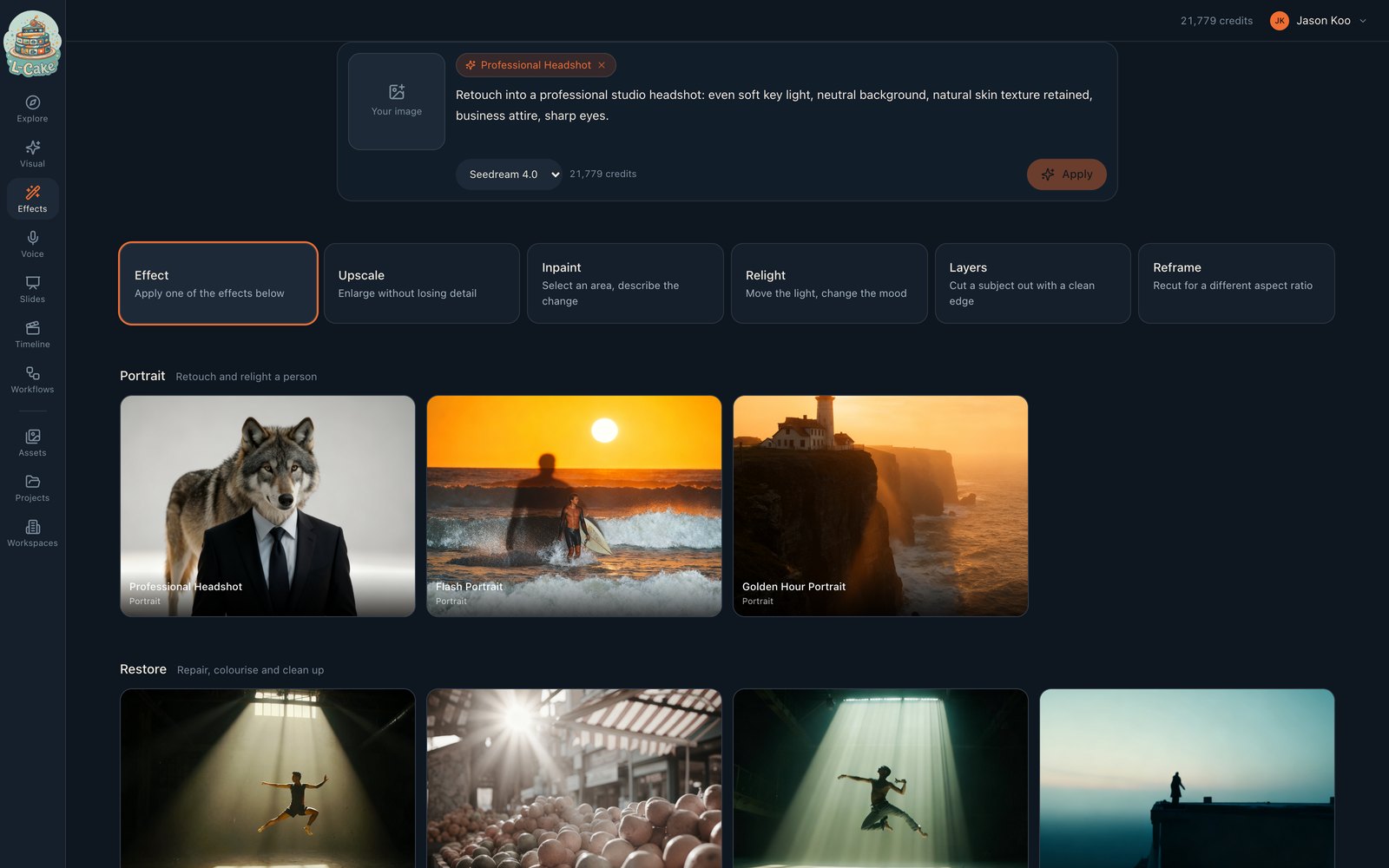
Wan calls these “skills”, which names what the model has rather than what you get. These are transformations applied to your own picture, and everything happens on this page — picking one does not throw you into another section.
- 1
Bring in an image
The square panel at the left of the composer. This is the one thing an effect cannot supply.
- 2
Pick an effect, or describe your own change
Choosing one fills the prompt with the text it was built from. Edit it freely.
- 3
Apply
The five modes
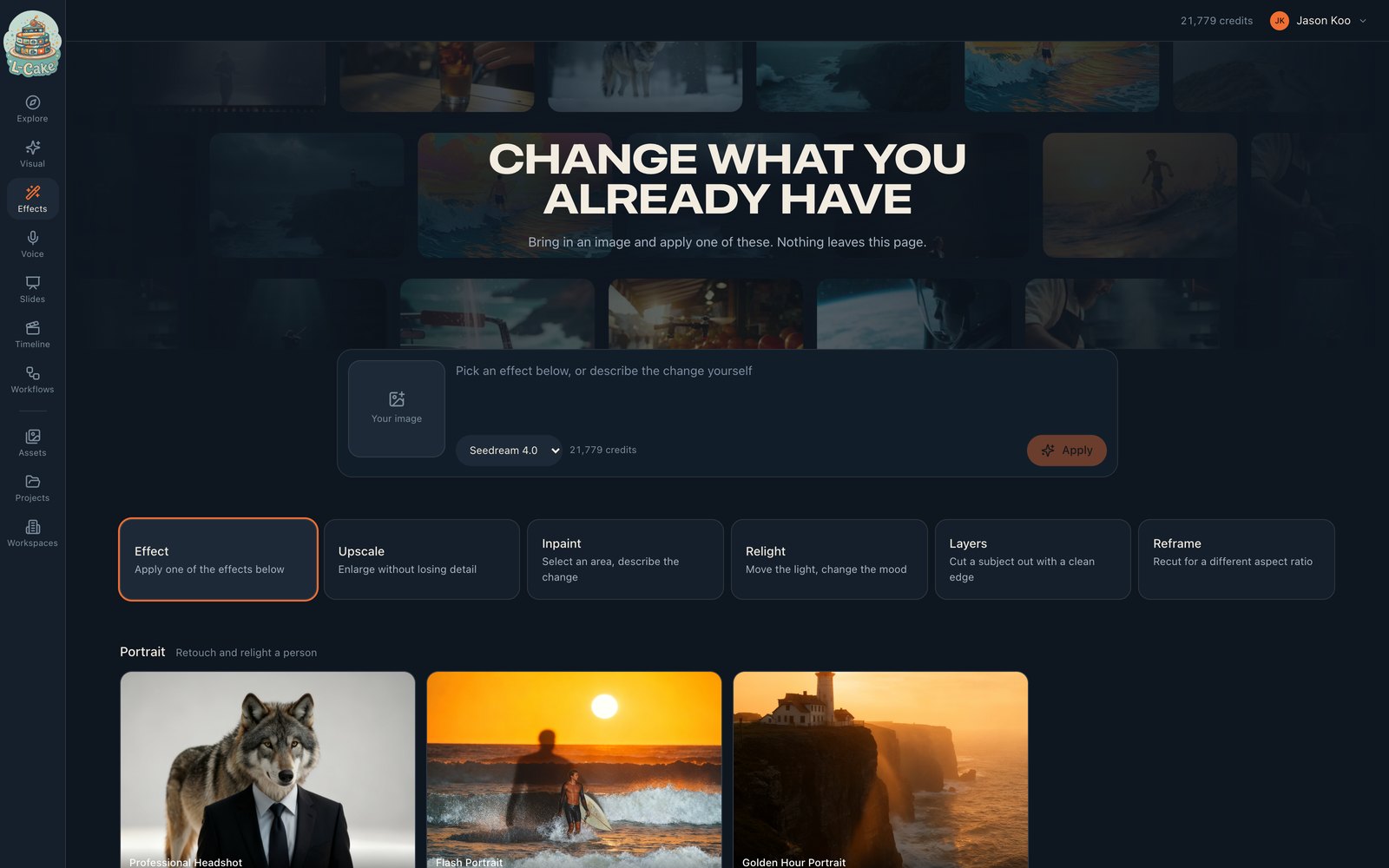
The row above the catalogue switches what the composer does.
- Effect
- Applies a catalogue effect, or any change you describe
- Upscale
- Enlarges without losing detail. No prompt needed
- Inpaint
- Replaces a selected area with what you describe
- Relight
- Changes the lighting and the mood
- Layers
- Cuts the subject out with a clean edge. No prompt needed
- Reframe ↗
- Recuts for a different aspect ratio — opens its own canvas
Upscale and Layers show no prompt box, because there is nothing to write. An empty field that does nothing reads as one you have failed to fill in.
The catalogue
- Portrait
- Retouch and relight a person
- Restore
- Repair, colourise and clean up
- Product
- Stage something to sell
- Fun
- Turn a photo into something else
Where it runs
Four of these run on our own hardware
Upscale, Inpaint, Relight and Layers run on an RTX 4090 we own. They are cheaper per call, and no image leaves the network. If that machine is down those four report unavailable and everything else keeps working — deliberately, so a driver problem cannot take down the product.
Local — priced per call
Local — priced per call
When something goes wrong
Apply stays greyed out
There is no source image yet, or the prompt is empty in a mode that needs one.
Source image is too small
Nothing was charged. Bring a larger original.
The local modes are missing from the picker
The GPU service is unavailable. Hosted effects are unaffected.