
Help
Assets & Projects
Where the work accumulates.
Both sit below a divider in the rail because they are not where things happen — they are where things end up.
Assets
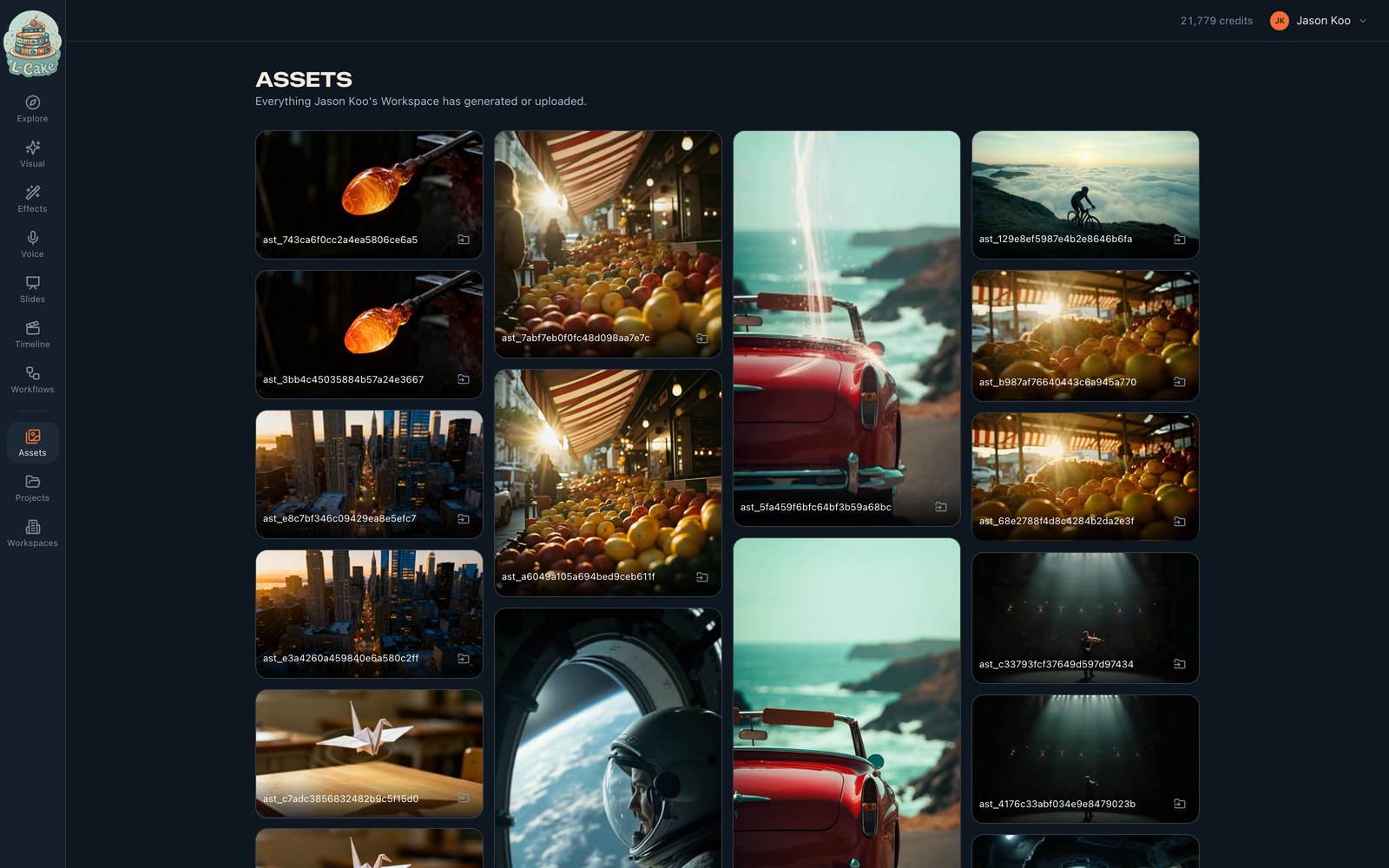
Each asset carries its dimensions, duration and type, recorded at ingest by reading the file itself. That is what makes “this source is too small” a check that can run before a generation is charged rather than a provider error afterwards.
- Download
- The original, through a short-lived signed link
- Move to workspace
- Transfers the bytes and the record together
- Delete
- Soft — the record is marked, the bytes stay recoverable
- Use in the timeline
- Everything here appears in the editor’s media panel
Uploaded video and audio go through an ingest step that probes the file, derives a poster frame and builds a playback proxy — so a large source does not have to be streamed in full just to scrub it. An upload with no thumbnail usually means that step failed.
Projects
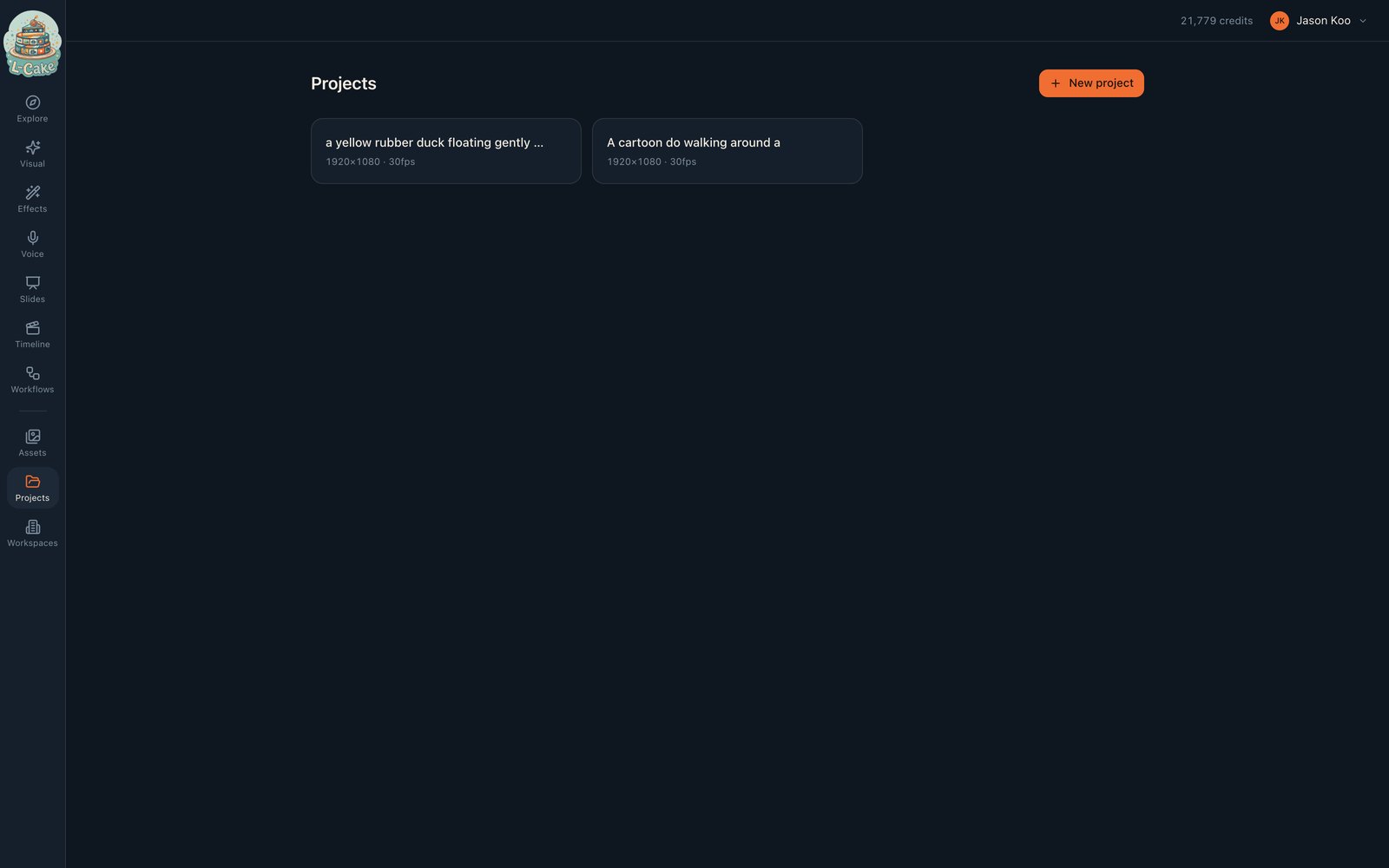
A project holds an edit, not media
Clips live as assets in the workspace; the project references them. Deleting a project does not delete the media it used.
Everything is workspace-scoped
Assets, projects, jobs and decks all belong to a workspace, and every screen filters on the one you are in. If something you generated is not here, you are almost certainly in a different workspace.
Media is not currently backed up
Media lives in object storage on a separate machine from the app. Losing the app server loses no media — but losing the storage host loses the bytes, and only the records survive. Worth knowing before you treat this as the only copy of anything.